Custom website vs template: what actually scales as you grow?
Most businesses don’t get this decision “wrong” because they’re careless. They get it wrong because they think they’re choosing a website.
Unfortunately it's not that simple.
You’re choosing your brands perception, how it's all maintained, and how expensive your marketing and operations become when you need to change things.
A template site can feel like a win on day one. Then you try to add a new service line, improve lead quality, integrate your CRM, rebuild pages for SEO, or tighten conversion tracking. Suddenly every change is a workaround, a plugin, a compromise, or a mini rebuild. Momentum dies in the gaps.
This guide is for non-technical directors who want a straight answer. Just what actually drives cost, risk, and growth once the honeymoon ends.
Or if you just want to find out more about our website development - You can here.
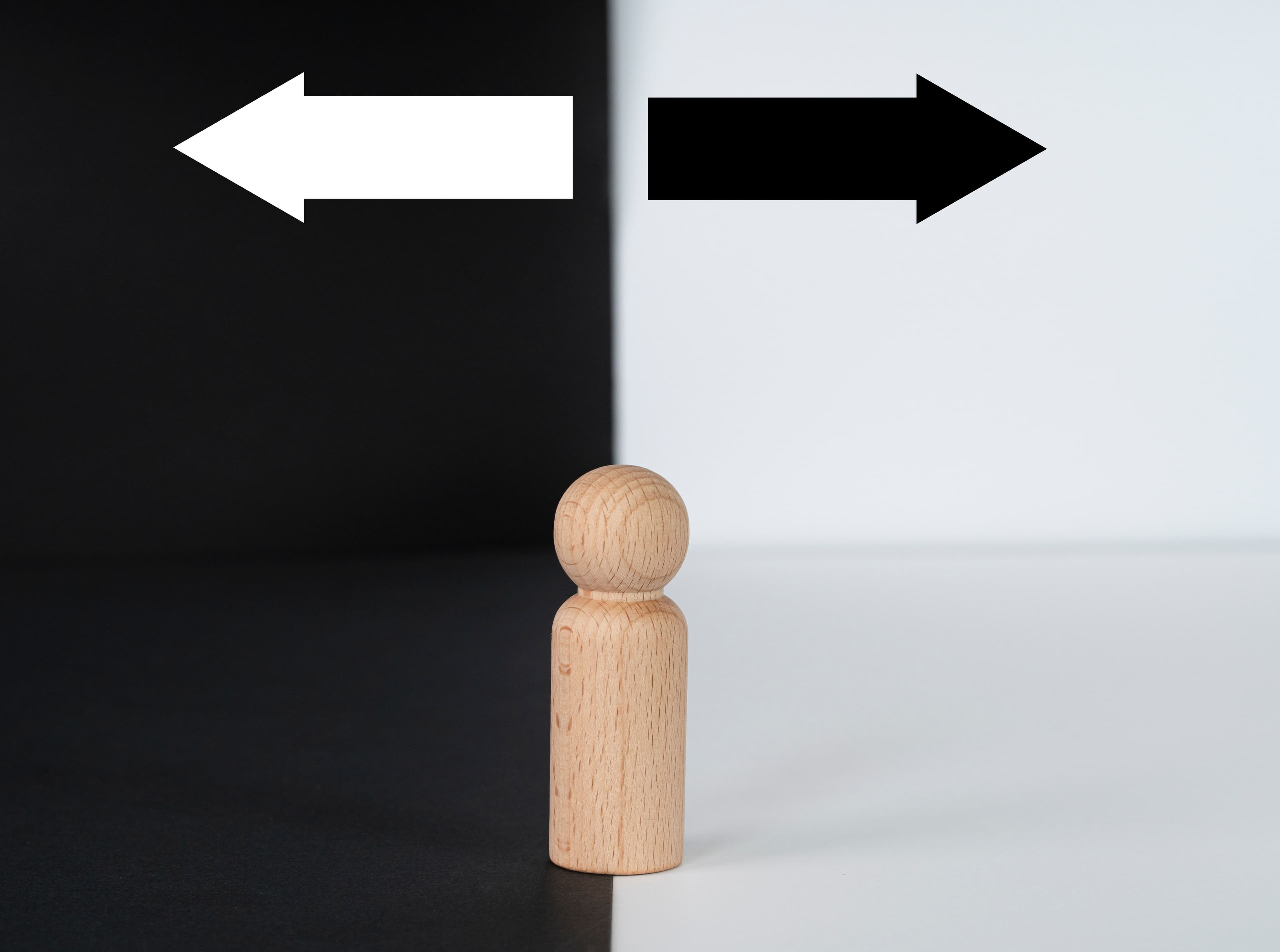
The decision isn’t “custom vs template”. It’s “how expensive is change later?”
Here’s the uncomfortable truth: most websites don’t fail at launch. They fail slowly because they become hard to change and get abandoned.
That “hard to change” shows up as business pain:
- Marketing campaigns take weeks instead of days.
- You avoid improving the site because it feels risky.
- You stop iterating because every tweak has side effects.
- You end up rebuilding earlier than planned.
So when people ask “should I go custom or template?”, what they’re really asking is:
That’s what “scale” means in real life. Not traffic charts. Not more pages. It’s the ability to improve, add, test, and integrate without the website turning fragile.
If you’re early-stage, a template might be exactly right. If you’re growing, the wrong template setup becomes a tax on every future decision.
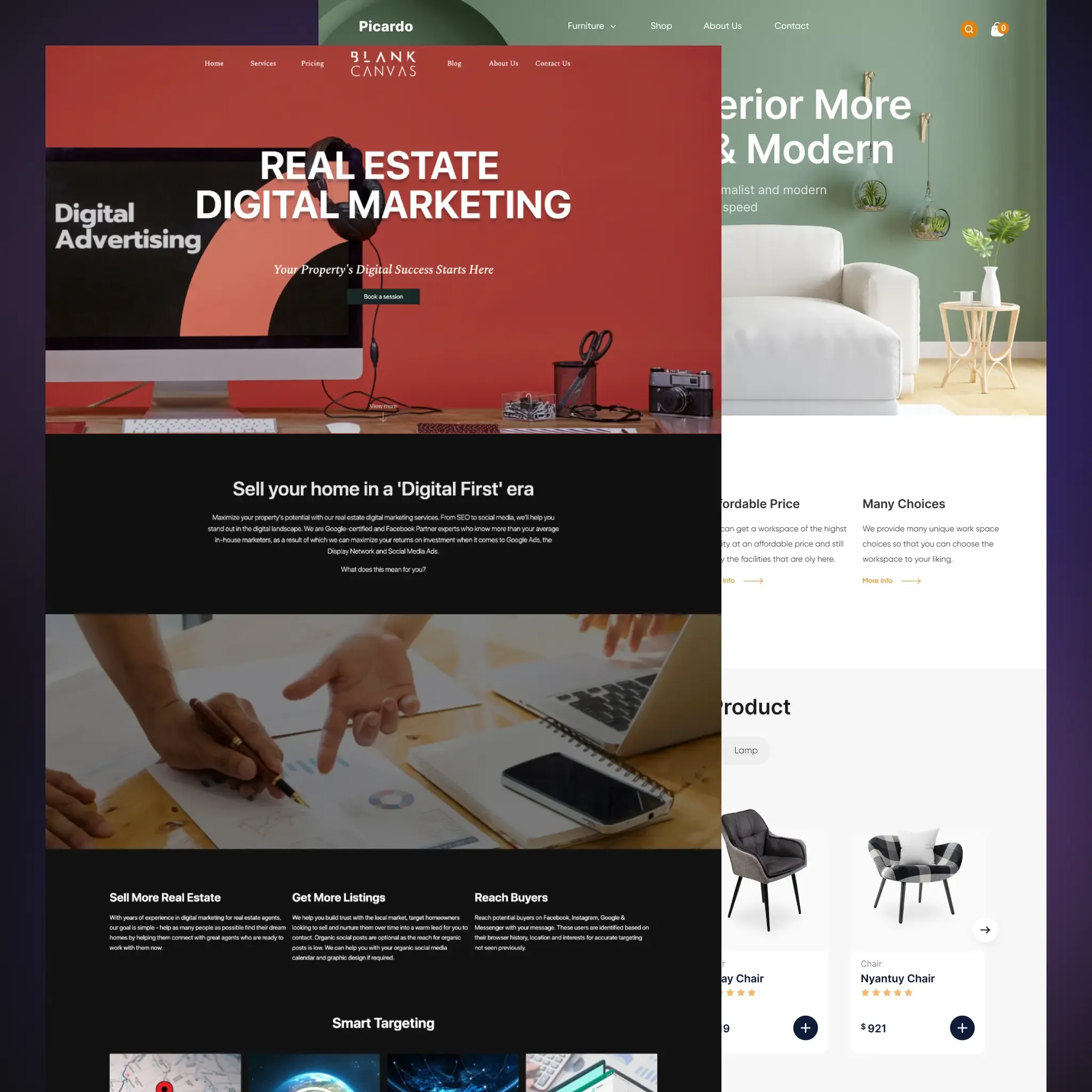
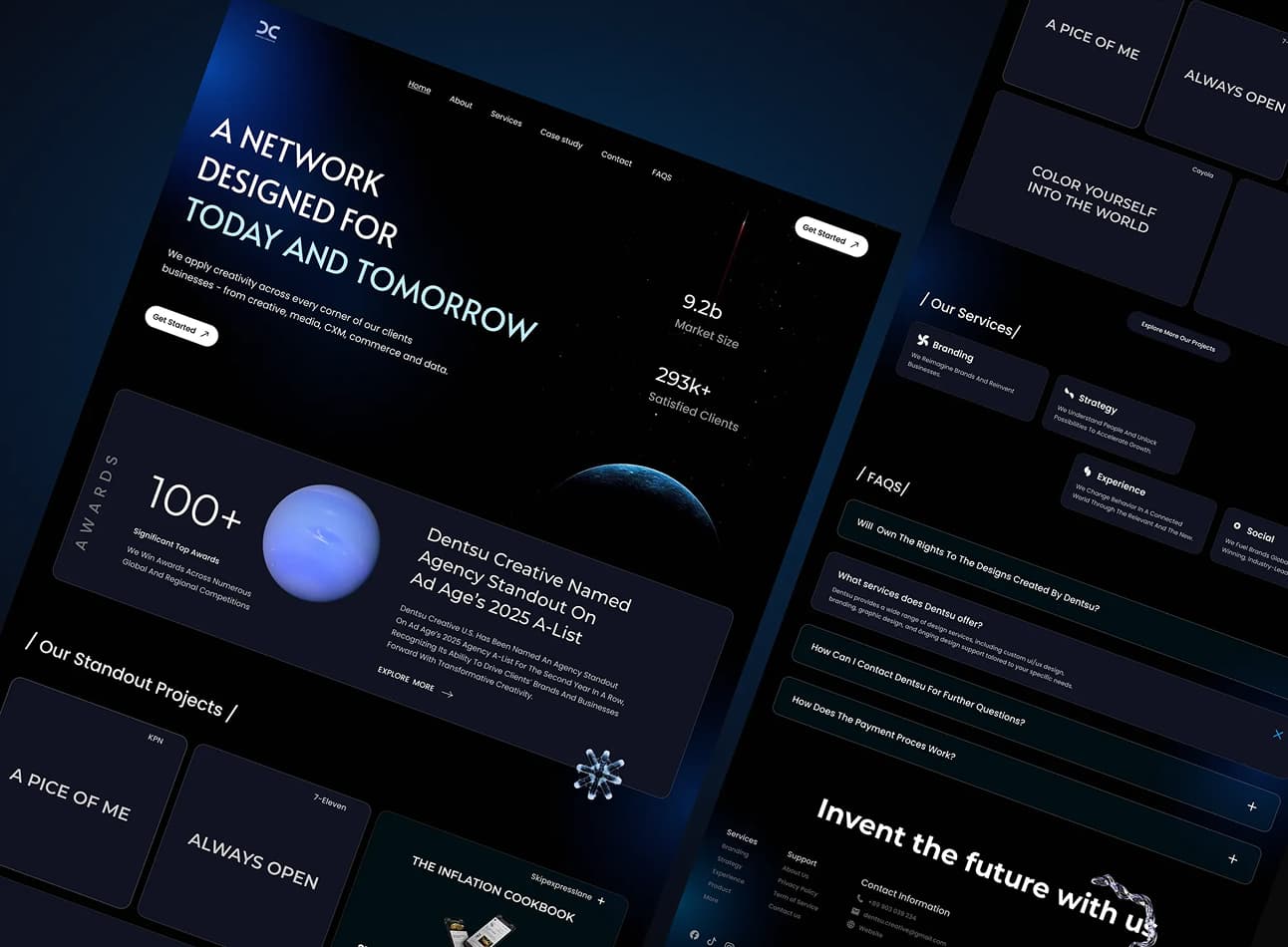
What a “template website” actually means in 2026
“Template” is a messy word. People use it to describe four very different things, and the trade-offs change depending on which one you mean.
1) Website builder templates (Wix, Squarespace-style)
Fastest to launch. Usually the most constrained when you want deeper custom behaviour, cleaner SEO control, or complex integrations.
2) CMS themes (WordPress themes, theme marketplaces)
More flexible than builders, but the quality varies wildly. Some are solid. Many are bloated, plugin-dependent, and built to demo well rather than run cleanly. These follow a pre-designed layout created to suit multiple businesses.
3) Ecommerce themes (Shopify themes, Woo themes)
Great for proven commerce patterns. The real constraint shows up when your product model is unusual, your catalogue is messy, or you need custom checkout and integrations which becomes more likely as you grow.
4) “Templated build” from an agency (custom-ish pages assembled from a set of reusable parts)
This can be the best of both worlds if it’s engineered properly. It becomes a disaster if it’s just a prettier template with the same underlying limitations.
The key point: a template is not automatically bad. A template is a set of constraints. Your job is to choose constraints you can live with for the next 2 to 3 years, not just for launch month.
What does “custom websites” actually mean (and what it doesn’t)
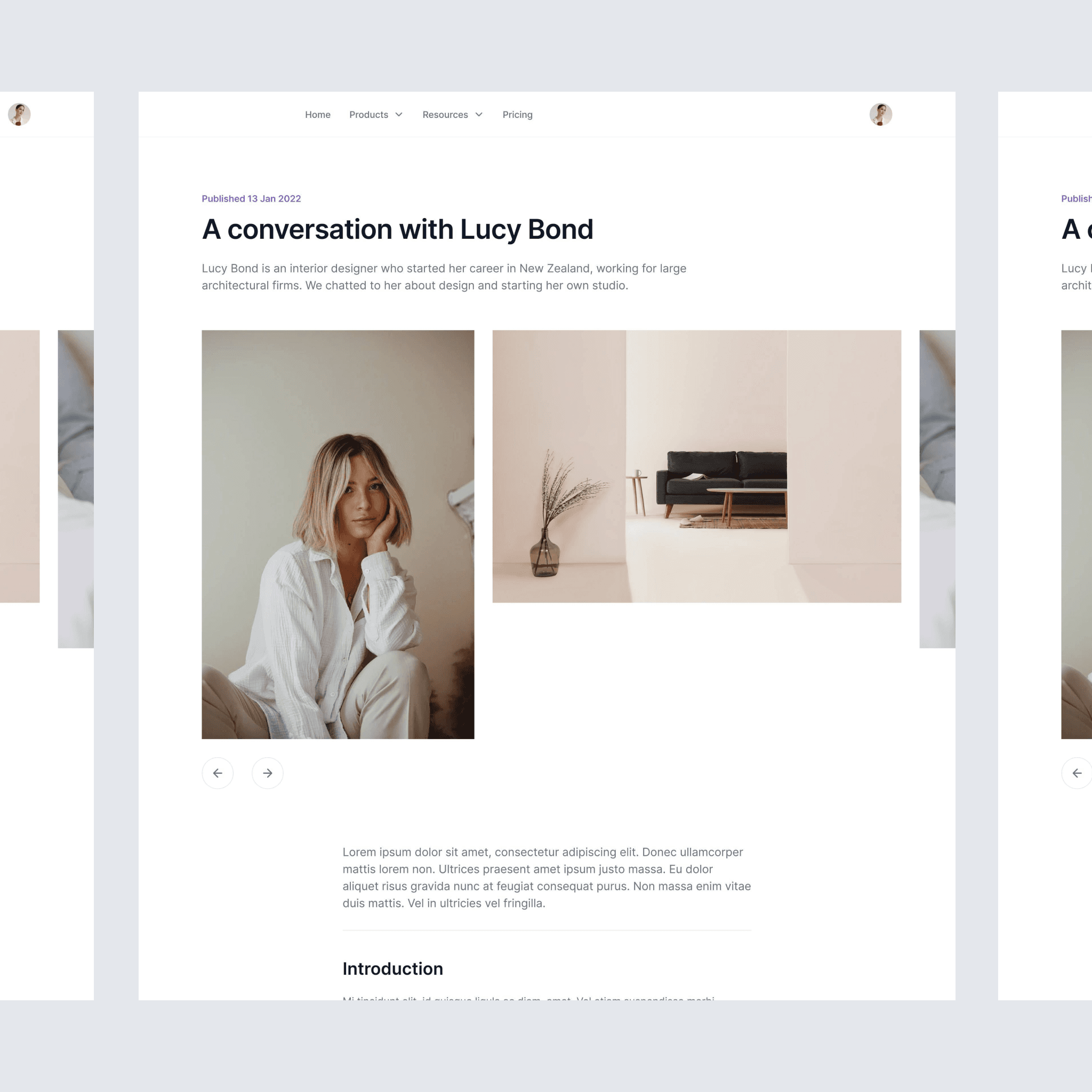
“Custom” also gets abused. Real custom web design is not “we coded every pixel by hand” and it’s not “we avoided all platforms”.
Custom means the site is built around your realities:
- your services and how people buy them
- your content structure (case studies, locations, industries, FAQs, resources)
- your lead flow (forms, qualification, CRM, tracking, automation)
- your operational needs (who updates what, approvals, governance, risk)
From time to time this can include reusable components and templates. The difference is they’re designed for your business model, not for everyone.
What custom does not guarantee
- It does not automatically mean better marketing.
- It does not automatically mean faster performance.
- It does not automatically mean “future-proof”.
Custom only scales if it’s engineered for durability: clear content structure, predictable patterns, minimal dependencies, clean integrations, and a maintenance plan that keeps it healthy.
That is why “custom vs template” is the wrong centre of gravity. The real decision is whether you’re buying a quick launch or a system that stays easy to evolve.
Cost without price ranges: what actually drives cost in each option
If you strip away the marketing, there are only two kinds of cost here:
- Upfront cost (getting to launch)
- Cost of change (everything you do after launch)
Templates usually win on (1). Custom usually wins on (2). The mistake is choosing purely on (1), then living in (2) for the next few years.
Here are the drivers that matter, regardless of platform:
- How unique your content model is?If every page looks the same and you publish rarely, templates are a contender. If you have case studies, industries, locations, FAQs, resources, landing pages, and you want them to stay consistent, you either need a very well-structured CMS setup or a custom build that treats content properly.
- How often marketing needs to move?The more you run campaigns, launch services, test messaging, and improve conversion paths, the more “change speed” becomes either a growth tool or a roadblock.
- What are your integrations and tracking expectations?Forms to CRM, automated follow-up, analytics events, call tracking, booking flows. This is where “easy to launch” can turn into “hard to evolve”.
- Dependency sprawl (themes, plugins, add-ons)Every extra component is another thing to maintain. Vulnerable or outdated third-party components are a known security risk category for web applications, and the risk grows as the dependency stack grows.
- Performance requirements (and what you compete on)?If your site is part of how you win deals, speed and reliability are not “nice-to-have”. Google explicitly says Core Web Vitals are used by its ranking systems, which is one reason performance and stability matter beyond “it feels fast”.
- Governance: who can change what without breaking things?Directors care about control. A clean build gives your team safe ways to publish and update without roulette.
So yes, templates can be cheaper upfront. The real question is whether they stay cheap once you start asking the site to behave like a growth asset.
If you want the practical version of this decision for your situation, this is exactly what we do inside our Website Development service.
When a template is the smart move
Templates are a great choice when the business reality matches the constraints.
A template is usually the right call if:
- You need to get live quickly and prove demand.
- You're just starting your business and launching your brand.
- The site is mostly brochure content and won’t change often.
- You have minimal integrations (or you can live with basic ones).
- You are not running frequent landing pages or conversion experiments.
- You’re comfortable operating inside the platform’s rules.
There’s a second part most people miss: A template can still be built well.
A “good template build” looks like this:
- You choose a platform that fits the job (not what your developer is familiar with).
- You keep add-ons and plugins tight. Not adding lots randomly.
- You set up tracking properly from day one.
- You treat copy and structure seriously (most template sites fail here, not visually).
If you are in this bucket, the goal is not to “go custom later”. The goal is to build a template site that stays clean enough that later decisions are easy.
When custom becomes the smart move
Custom website development starts making sense when the website needs to behave like infrastructure, not a brochure.
Common signals you’re there:
- Every change takes longer than it should.You’re always waiting on someone, or you avoid changes because the site feels fragile.
- Workarounds keep stacking up.Plugins, patches, odd page builders, one-off fixes. It works, but it’s getting harder to manage.
- You need real structure, not just pages.Case studies, services, industries, locations, resources, comparisons. You want consistency without manual effort.
- Marketing is ready to iterate.You want to test offers, improve lead quality, build landing pages faster, and tighten conversion tracking.
- You care about ownership and control.You want a site that another competent team can pick up, maintain, and evolve without being boxed in.
This is the point where “custom website development services” stop being a luxury and start being a way to buy back momentum. If you've been running for a couple years, ready to grow and even rebrand, custom is definitely something to consider in setting you up for years to come.
Decision framework: choose in the right pathway 2 minutes
You do not need a 40-page spec to make a good call. You need clarity on what the website must support over the next 12 to 36 months. We've broken it down into an easy scoring system you can use.
Score each line 0, 1, or 2:
- Change frequency: 0 = quarterly updates, 1 = monthly updates, 2 = weekly changes or campaigns
- Content complexity: 0 = a few core pages, 1 = regular additions (blogs, projects), 2 = structured content (case studies, industries, locations, resources)
- Integrations: 0 = basic form to email, 1 = CRM and basic tracking, 2 = CRM + automation + multi-step tracking, booking, or other system integrations
- Conversion focus: 0 = brochure, 1 = lead gen matters, 2 = lead quality and testing matters (landing pages, A/B thinking, iteration)
- Risk tolerance: 0 = happy to live within constraints, 1 = want control but can compromise, 2 = cannot afford fragility, downtime, or constant workarounds
- Ownership and maintenance 0 = one person updates everything, 1 = small team touches content, 2 = multiple contributors and you need guardrails so updates stay safe
Total your score (out of 12):
- 0 to 3: Template is likely the right move. Keep it clean and restrained.
- 4 to 6: Template can work, but you should treat it like infrastructure. Choose the platform carefully, keep dependencies tight, and plan maintenance.
- 7 to 9: You are in hybrid territory. Start with a strong foundation, then harden or rebuild before the ceiling becomes painful.
- 10 to 12: Custom is usually the lowest-risk path because it buys change speed and reduces workaround debt.
This is the part most people miss: “custom” is not a flex. It is often the cheapest way to protect momentum when the website is doing real work.
Still unsure about what you need? Hit the button on the bottom right of the screen and take our quick 2 minute questionnaire to get a more detailed, tailored option for you!
The hybrid path (what most growing businesses actually do)
Most small to mid-sized businesses do not go from “nothing” to “perfect custom build”. They take a staged path.
A healthy hybrid path looks like this:
- Stage 1: Launch on a template with disciplineYou prioritise clarity, structure, tracking, and clean content. You avoid the plugin pile.
- Stage 2: Harden the foundationYou standardise page patterns, fix tracking properly, clean up performance bottlenecks, and tighten website maintenance so updates stop feeling risky.
- Stage 3: Rebuild with intent when you hit real constraintsNot because the site “feels old”, but because the business has outgrown the platform’s limits and the cost of change is climbing.
This approach keeps cashflow sane while still protecting your long-term position. It also stops you making a permanent decision while you are still learning what the site needs to do.
What to do next (simple action plan)
If you are deciding right now, do this in order:
- Write the next 12 months of change down.New services, campaigns, content plans, CRM changes, hiring, expansion. If it's likely happening, it counts.
- List the non-negotiables.Lead quality, reporting, conversion tracking, content publishing speed, integrations, governance.
- Choose the constraint you can live with.Template can be a good constraint if your scorecard says so. Custom is the safer constraint if change speed matters.
- Plan ownership from day one.Who can update content, who approves changes, who maintains the site, what are their capabilities, and what happens when something breaks.
- Decide the build path, not just the platform.Template, hardened template, staged hybrid, or custom. The path is the strategy.
If you want a straight recommendation based on your business realities, start here: Website Development. We will map the lowest-risk route, then build it in a way that stays easy to evolve.
Finishing this up:
If you only take one thing from this guide, take this:
Templates optimise for launch speed and cost. Custom optimises for change speed and growth.Pick based on how often the business will need the site to move.
And if you’re not sure, don’t guess. Use the scorecard, click get started to take our quick questionnaire, or contact us here and we'll help guide you towards the right path.
Frequently asked questions: